
Quick Start
Open WordFlow and choose the language you want to play in.
Sign in with the platform account offered on your device when you want progress restore.
Start your first available campaign stage from the lobby. Daily activities and more game modes become available as you progress.
On a campaign letter board, select tiles anywhere on the board to spell a word. Use each tile only once in that word; the tiles do not need to touch. Submit the word to score.
Account And Progress
Use Game Center or Play Games when available so WordFlow can restore your profile on the same platform. Your profile stores language preference, level progress, rewards, inventory, and account-linked unlocks.
Use account reset only when you want to rebuild the profile setup flow. If progress looks wrong after reinstalling, sign in again before starting a new profile.
Core Gameplay
In Flow and the campaign word-building modes, select letters in the order of your word from anywhere on the board. A tile can appear only once in your current word; letters do not need to be adjacent. Submit a valid word to score. Tap a selected tile again or clear your selection to correct it.
Watch the current goal, score, and any special tile rules. Each mode has its own target, timer, or word limit. Zen lets you play at your own pace: its optional bonus clock can expire without ending the run.
Other games use their own controls: Word Connect traces letters on a wheel, while Cascade swaps adjacent symbols. Their specific rules are below. Word Connect · Cascade
Game Modes
Campaign introduces new games as you progress through its worlds. The games below have their own goals and ending conditions; availability depends on your progress.
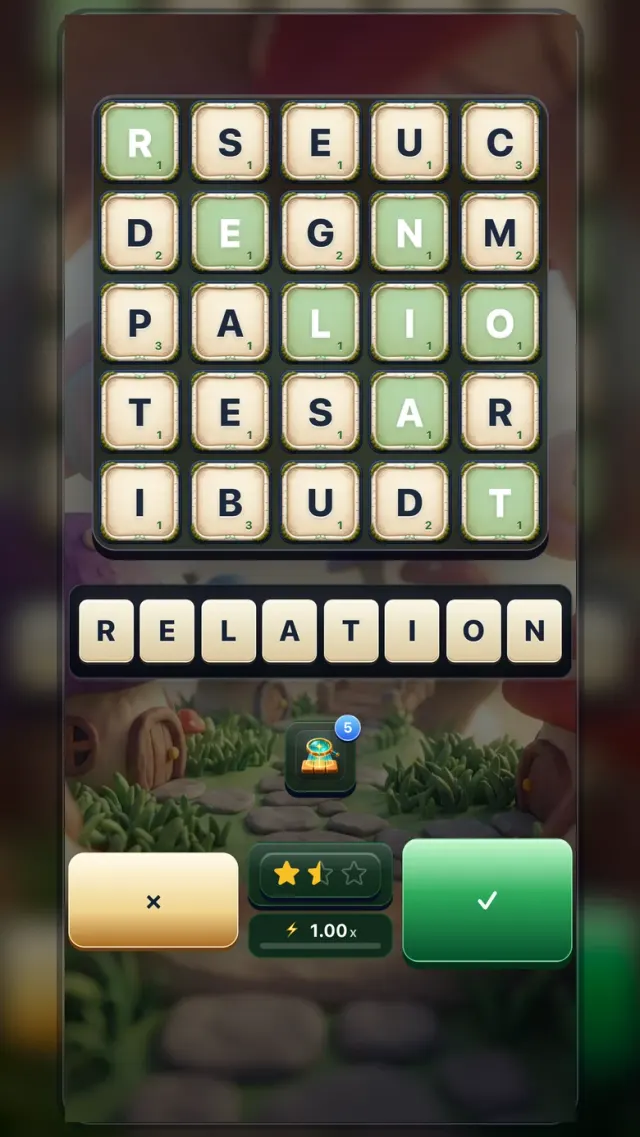
Zen
- How it works
- Make words at your own pace. A bonus clock may reward quick play, but running out of time never ends Zen.
- Your goal
- Reach the word target to earn the first star.
- When it ends
- The run ends at the word target, or if no playable words remain and the board cannot reshuffle. Protected opening levels replace an exhausted board. The optional bonus clock expiring does not end the run.
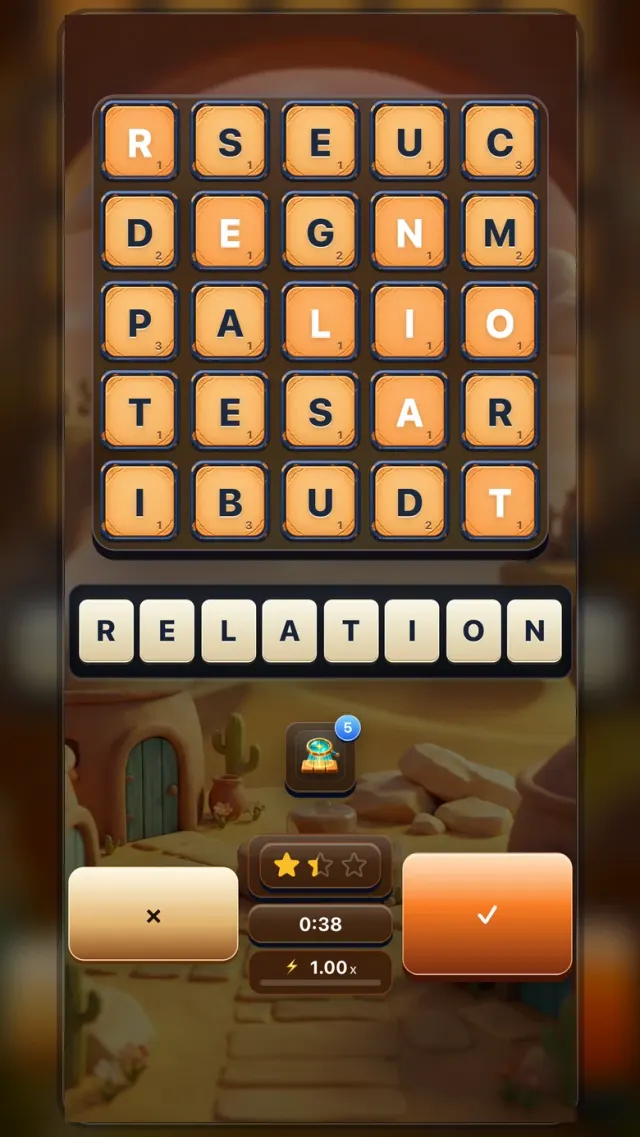
Flow
- How it works
- Build valid words from any unused letters on the board; they do not need to touch.
- Your goal
- Reach at least one star by hitting the score target before the timer runs out.
- When it ends
- The run ends when time runs out or you choose to stop early. Reaching the score target does not end it automatically; after earning every visible star, you can choose “Skip to results.”
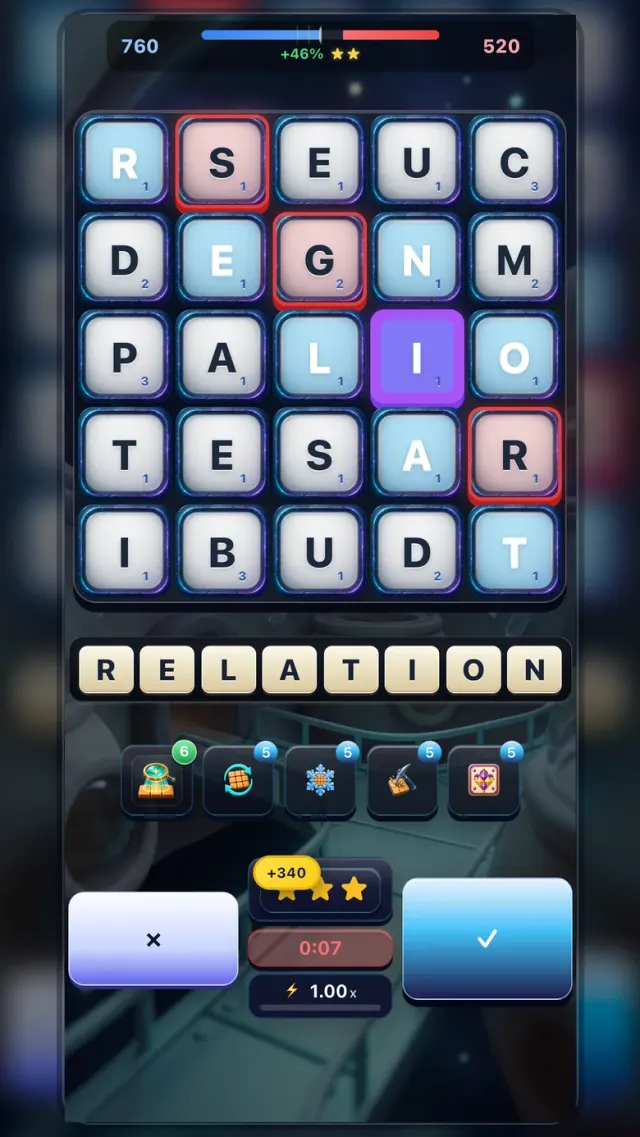
Boss Battle
- How it works
- You build words at the same time as the Boss; red tiles are its selections and purple tiles are shared.
- Your goal
- Finish ahead of the Boss when the timer reaches zero to win the fight.
- When it ends
- The fight ends when the timer reaches zero; stars then depend on your winning margin.
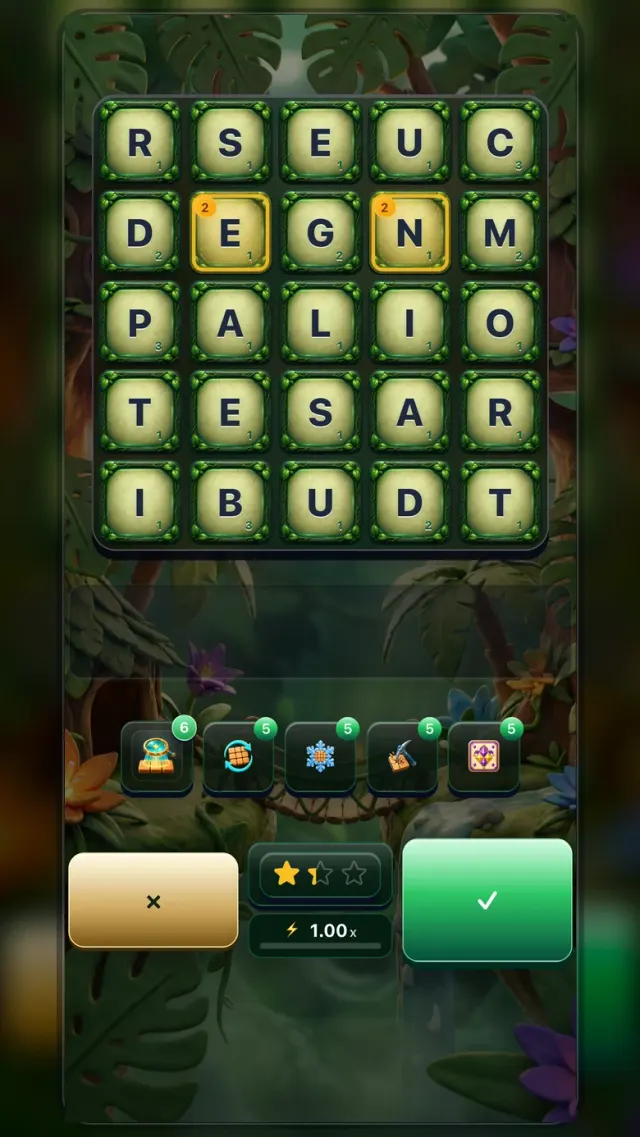
Sealed
- How it works
- Submitted words mark tiles; marked tiles you ignore count down and then seal shut.
- Your goal
- Reach three stars to end the level. Your bonus XP increases with unsealed tiles and a faster finish.
- When it ends
- The run also ends when sealed tiles leave no playable words on the board.
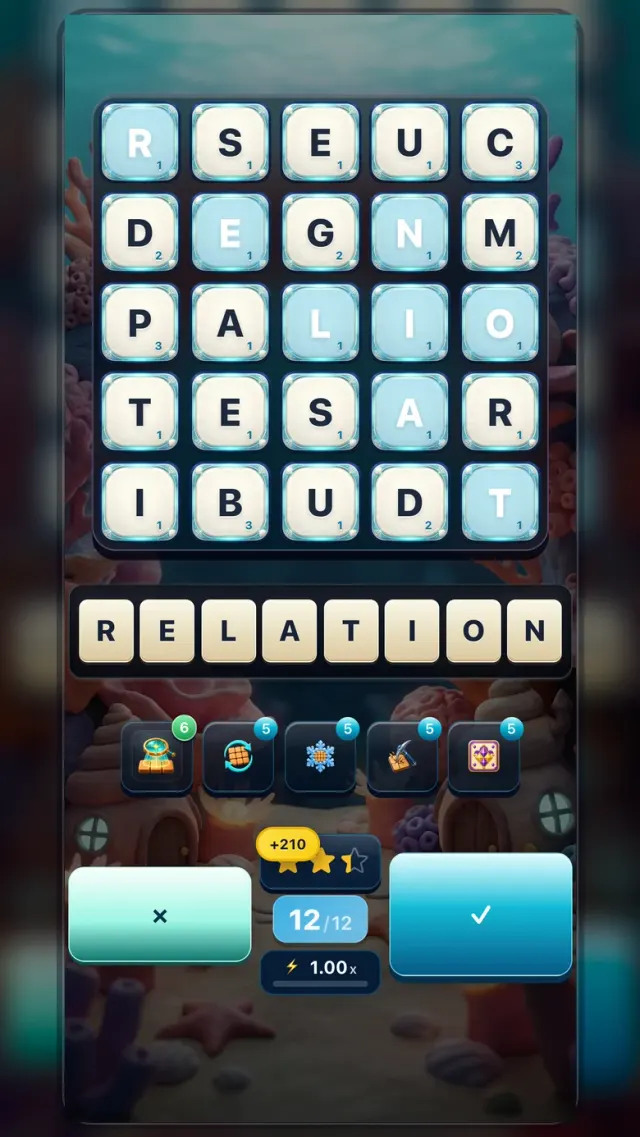
Word Limit
- How it works
- You have a fixed number of word submissions, so every accepted word spends one attempt.
- Your goal
- Use those limited attempts to reach the score target for at least one star.
- When it ends
- The run ends as soon as your word counter reaches zero.
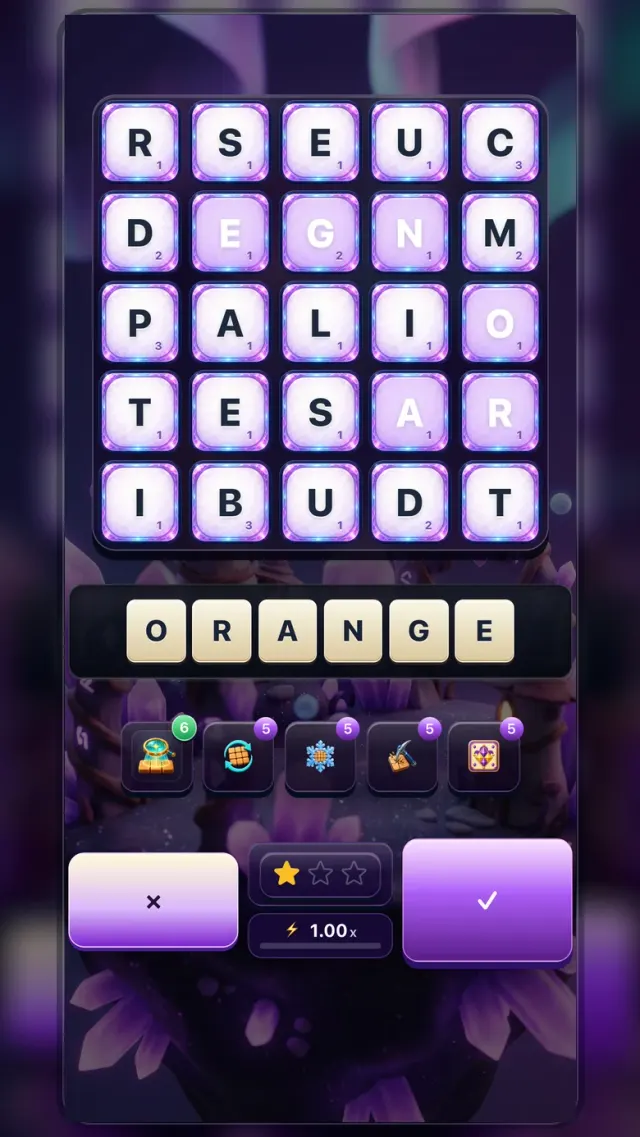
Focus
- How it works
- Only words matching the current request add progress; valid mismatches cost one point and keep the board.
- Your goal
- Complete the required number of board requests to earn stars.
- When it ends
- Easy never ends at zero. On Normal and harder, zero ends the run after the 25% protection expires.
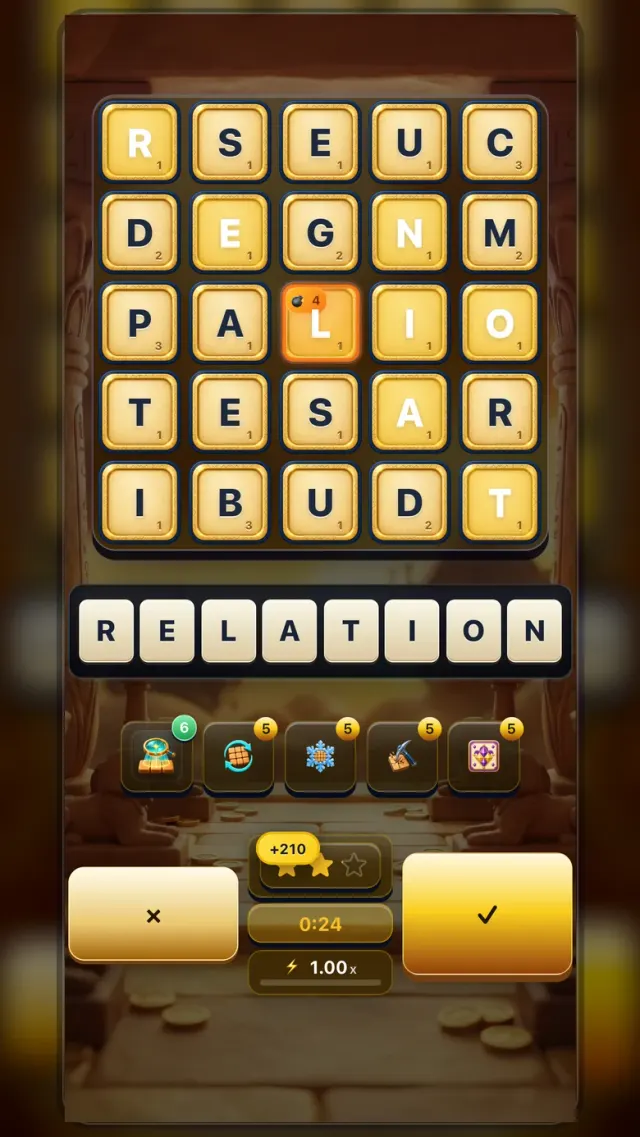
Defuse
- How it works
- Bomb tiles appear with a countdown; include a bomb in a valid word to defuse it.
- Your goal
- Keep bombs under control while scoring enough points for the star target.
- When it ends
- The run ends at three stars or when its timer expires. A bomb explosion ends it immediately on Extreme or Impossible. On Easy, Normal, and Hard, explosions apply a score penalty and play continues; Normal and Hard also reset Flow, and Hard damages nearby tiles.
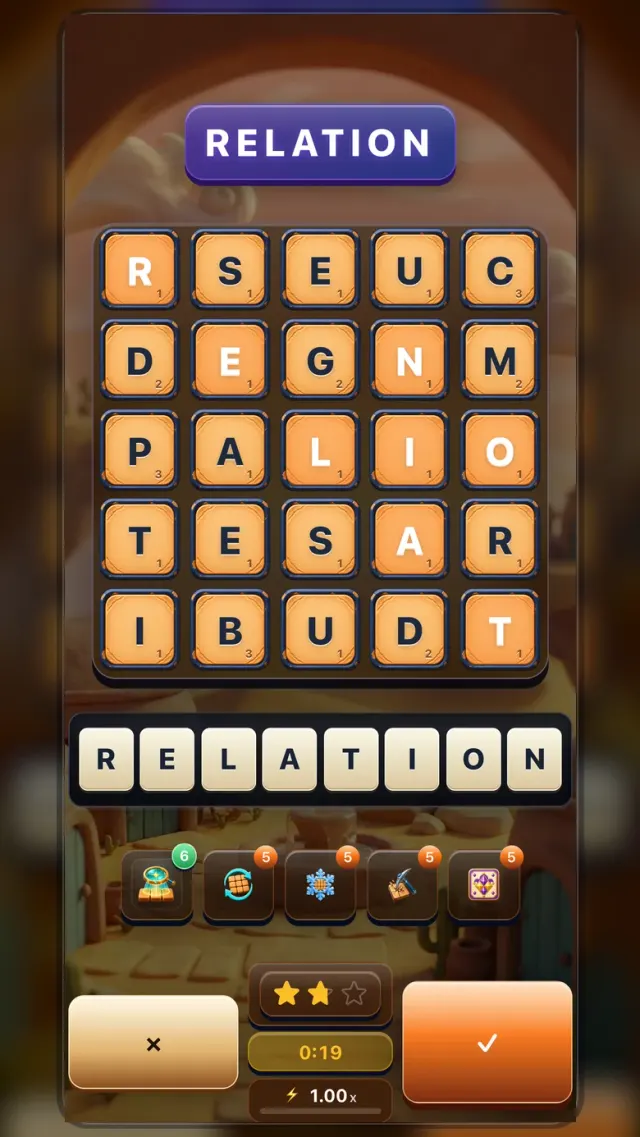
Speed
- How it works
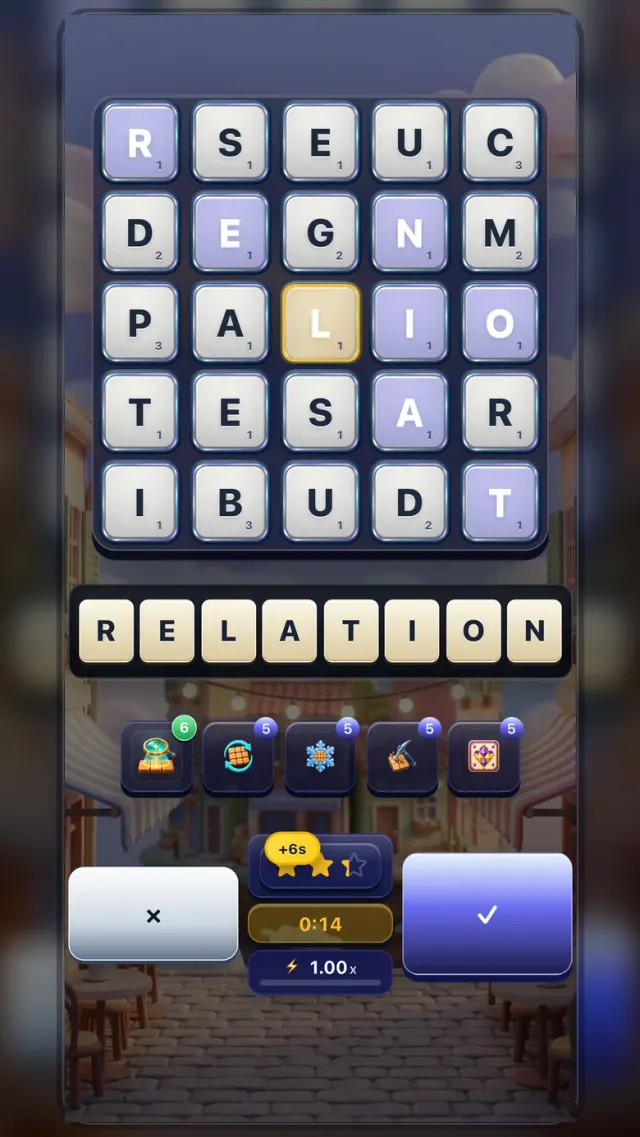
- Spell the displayed target word from the board, then move to the next target before time runs out.
- Your goal
- Spell enough displayed target words before time runs out to earn stars and clear the level.
- When it ends
- The run ends when its timer expires, even if you have already reached the word-count target.
Endless
- How it works
- Build words to earn time tiles, then include those tiles in words to add time to the running clock.
- Your goal
- Build the highest score you can and keep the clock alive by using time tiles.
- When it ends
- The run ends when time reaches zero or you leave. There is no score target that ends the run early.
Daily Play
The Daily Hub shows the activities available today. Its word puzzles use different controls and goals, so choose the game’s instructions below. Earned activities contribute to Today’s Chest progress.
Acrostic
- How it works
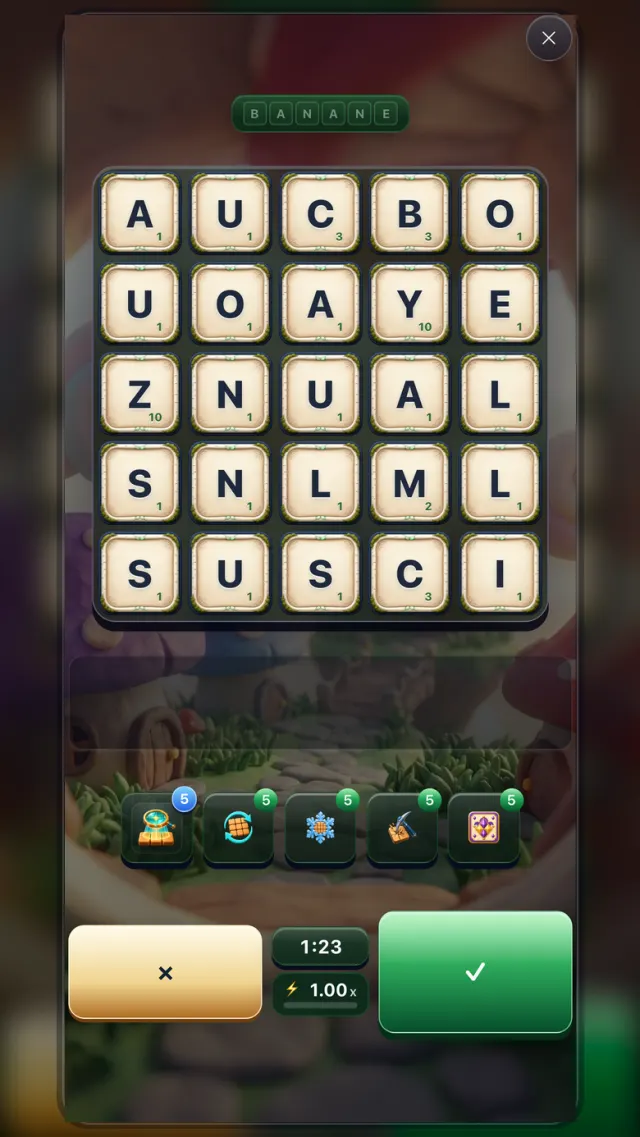
- Use the daily word as a list of initials. Form a distinct valid word from the board for each letter position, including repeated letters.
- Your goal
- Complete every letter position before time runs out to finish the acrostic.
- When it ends
- The run ends when every letter has an answer, time runs out, or you leave. Starting a run spends one daily try.
Full word
- How it works
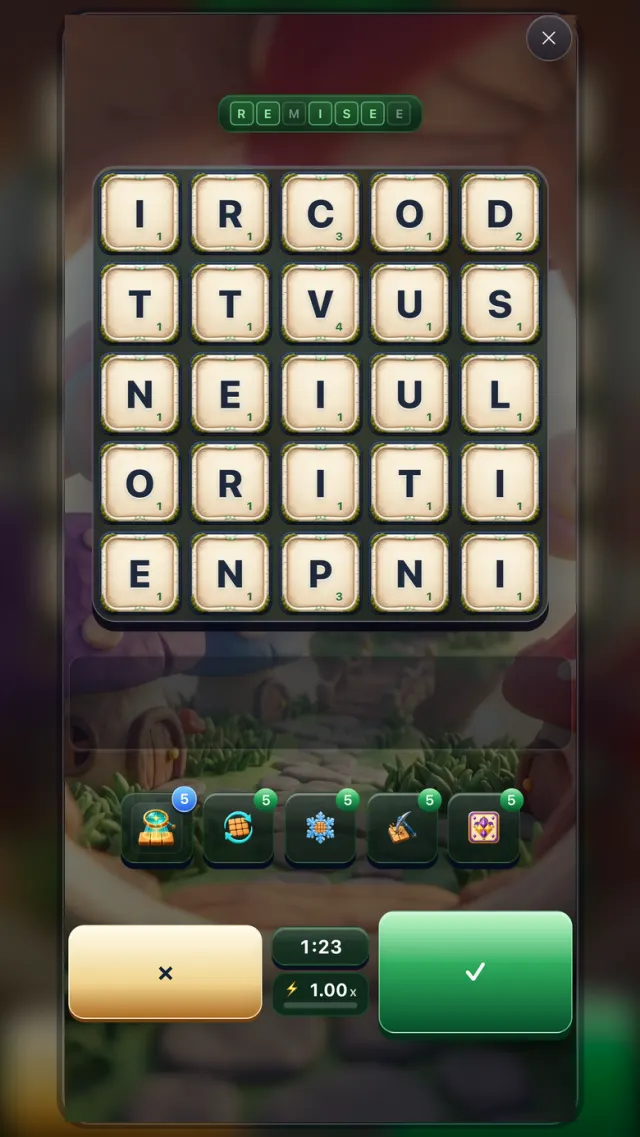
- Form the displayed Word of the Day from the board letters before the run’s timer ends.
- Your goal
- Submit the exact daily word before time runs out to complete the activity.
- When it ends
- The run ends when you submit the daily word, time runs out, or you leave. Starting a run spends one daily try.
Secret Word
- How it works
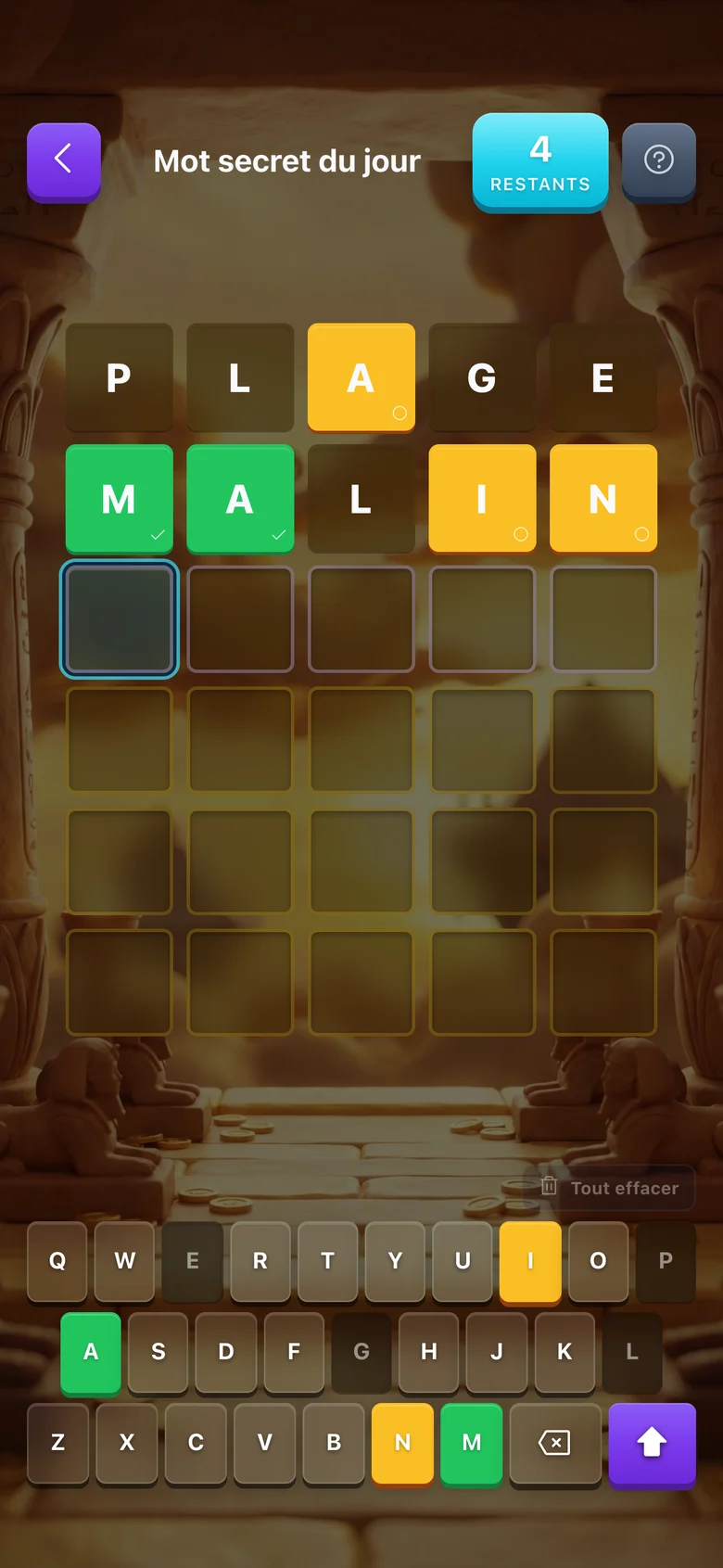
- Guess the hidden word. Color feedback shows which letters are correct or misplaced.
- Your goal
- Solve the hidden word within the available guesses. Daily Hub records the result of your daily attempt.
- When it ends
- The puzzle ends when the word is solved or all guess rows are used. A failed daily run still consumes the attempt.
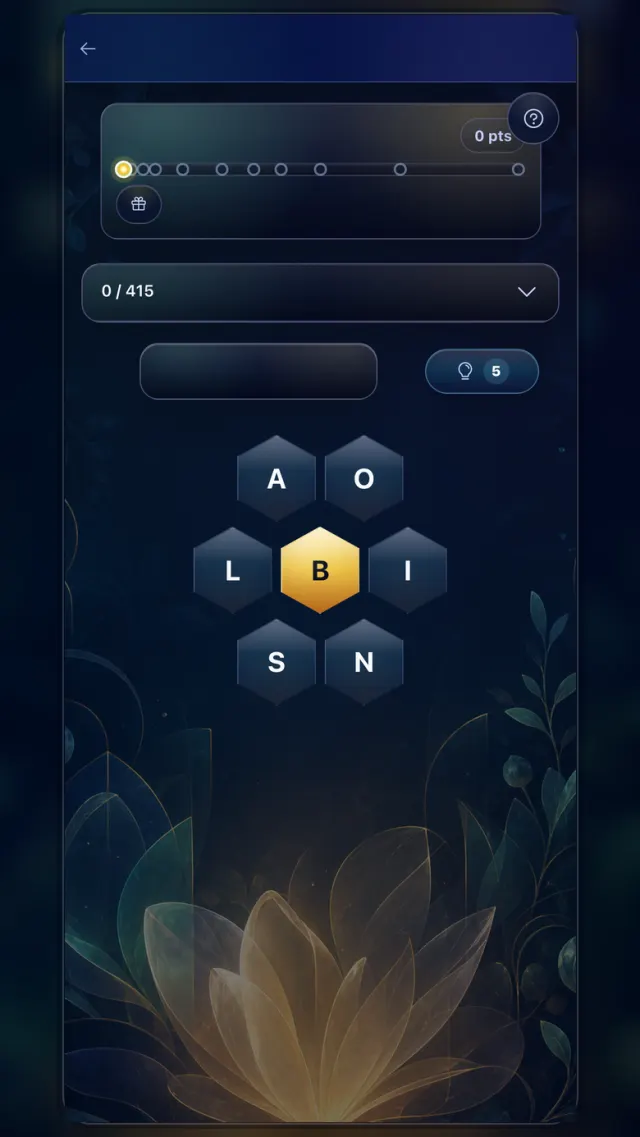
Letter Bloom
- How it works
- Make words from the flower letters; every word must include the center letter, and pangrams use all letters.
- Your goal
- Reach Good rank to complete the Daily Hub activity; higher ranks are optional mastery and unlock more rewards.
- When it ends
- You can stop after Good rank or keep playing for higher ranks, then claim earned rewards from Daily Hub.
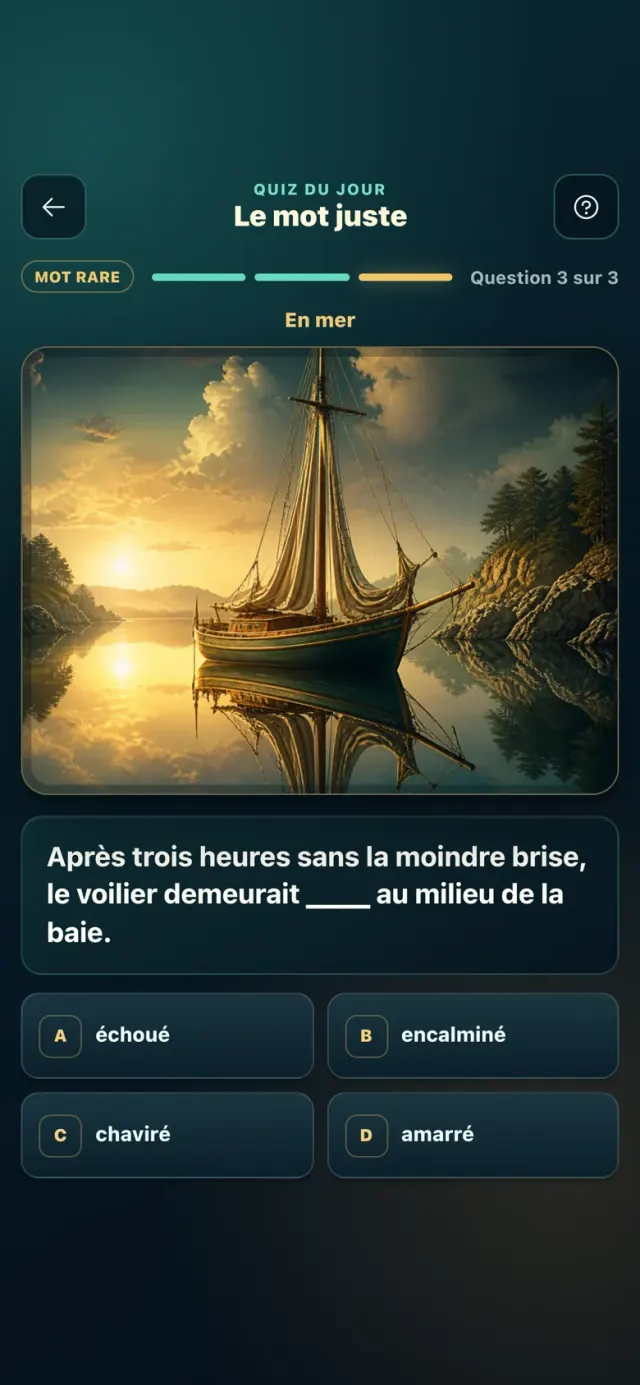
Picture Pick
- How it works
- Use both the illustration and the sentence to choose among four words.
- Your goal
- Answer six questions across six illustrated words. Each pair is more demanding.
- When it ends
- Every answer reveals the correct word and its definition before you continue.


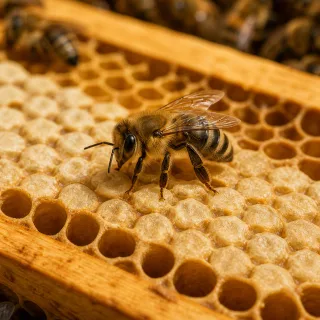
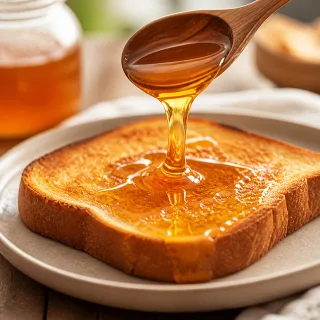
Picture Link
- How it works
- Study four pictures, then build the one word they share from the letter bank.
- Your goal
- Solve before time runs out: 60 seconds on Standard, 45 on Challenge, and 30 on Expert. Fewer attempts earn a stronger reward.
- When it ends
- After a solve or reveal, read the word’s definition before returning to Daily.
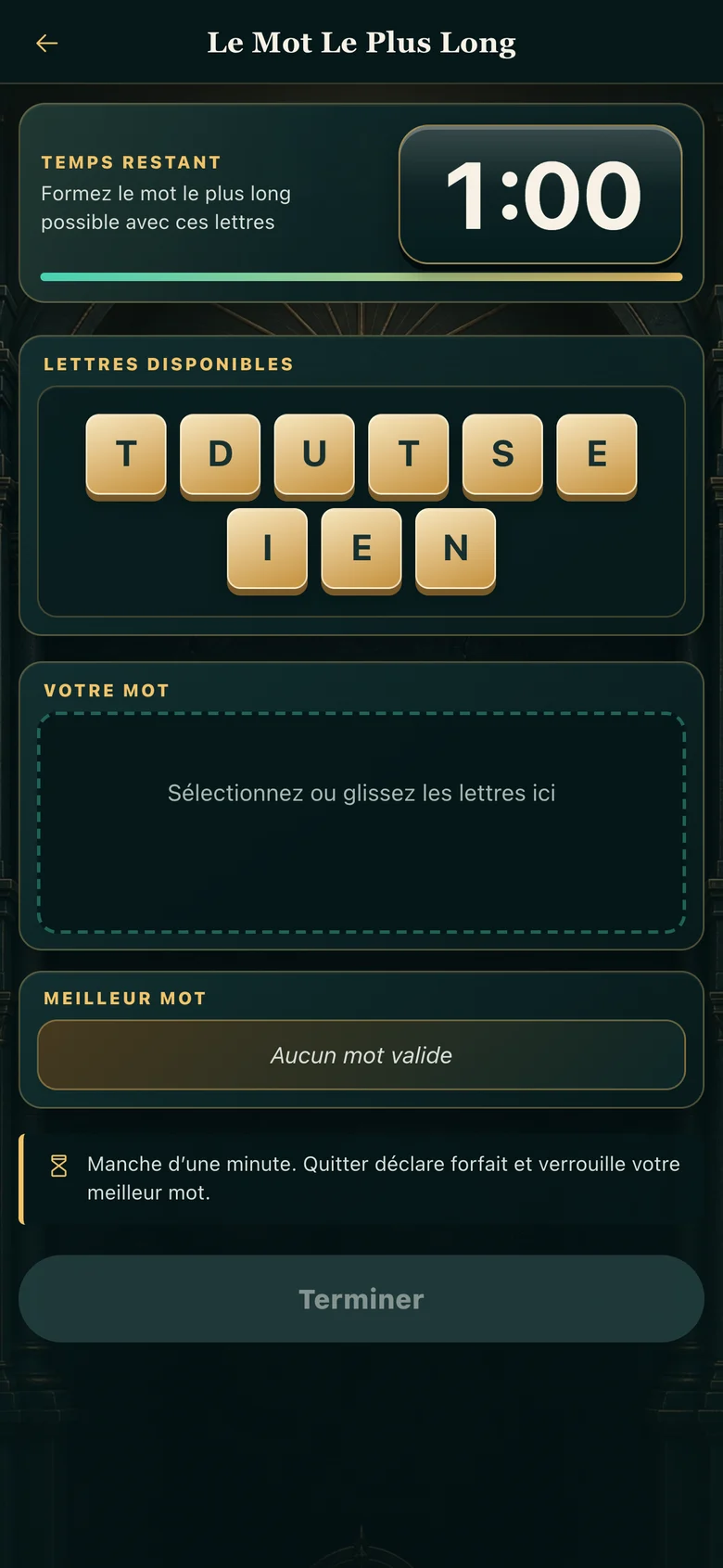
Longest Word
- How it works
- Build the longest valid word you can from the shared letter pool. Better valid words are saved automatically while you play.
- Your goal
- Finish the round with a valid best word to complete the daily attempt; leaderboard placement is comparison, not required completion.
- When it ends
- The round ends when you press Finish, leave, or the one-minute timer expires. Your last best word is recorded.
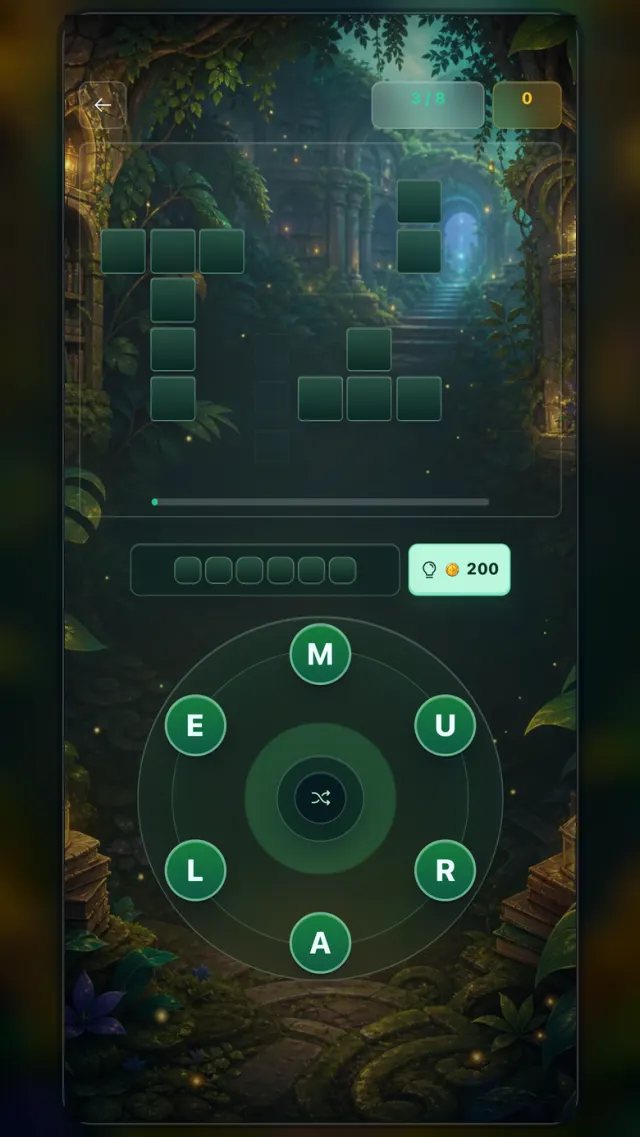
Word Connect
- How it works
- Trace letters from the wheel to fill every required word in the crossword grid.
- Your goal
- Fill all required grid words to complete the Daily Hub activity; extra valid words count as bonus value.
- When it ends
- The run ends when the grid is complete, and Daily Hub handles any reward progress or claim.
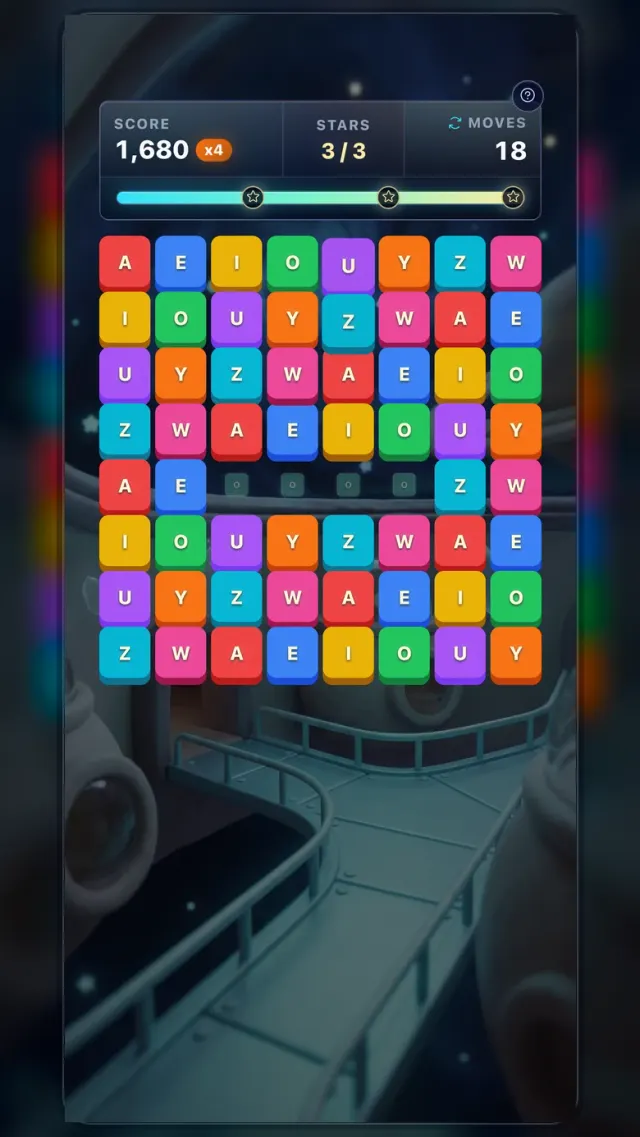
Cascade
- How it works
- Swap adjacent tiles to line up three or more matching symbols. Matches clear tiles, trigger cascades, and can create special tiles.
- Your goal
- Reach the score or star goal by chaining matches and activating special tiles for bigger clears.
- When it ends
- The run ends when its time or move budget runs out.
Progression And Rewards
Runs can grant XP, coins, gems, letter progress, quest progress, achievements, badges, and chests. Claim rewards from their owning screen when prompted so the profile can refresh cleanly.
Store And Locker
The Store contains coin, gem, power, chest, and banner offers. The Locker shows owned customization items. Restore Elite from its subscription screen, or an offline game purchase from that game’s details. Use the same Apple Account or Google Play account that made the purchase.
Troubleshooting
If language setup fails, retry with a stable connection so vocabulary packs can finish saving. If login or progress restore fails, close and reopen WordFlow, confirm the platform sign-in account, then contact support with your device, OS, app version, and the exact message shown.